How to Navigate this Site in 7 Easy Steps
1. This is the navigation bar…

2. Hover over the navigation bar and the drop down menu will appear.
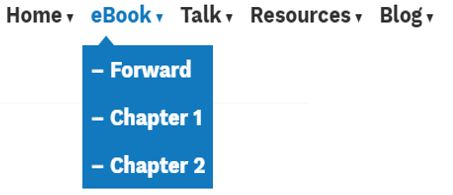
3. Click on the blue navigation title (eBook) and it will bring you to the description page.

4. Click on the title in the highlighted drop down menu to move around.

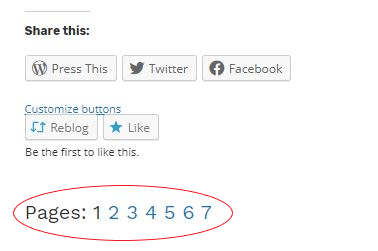
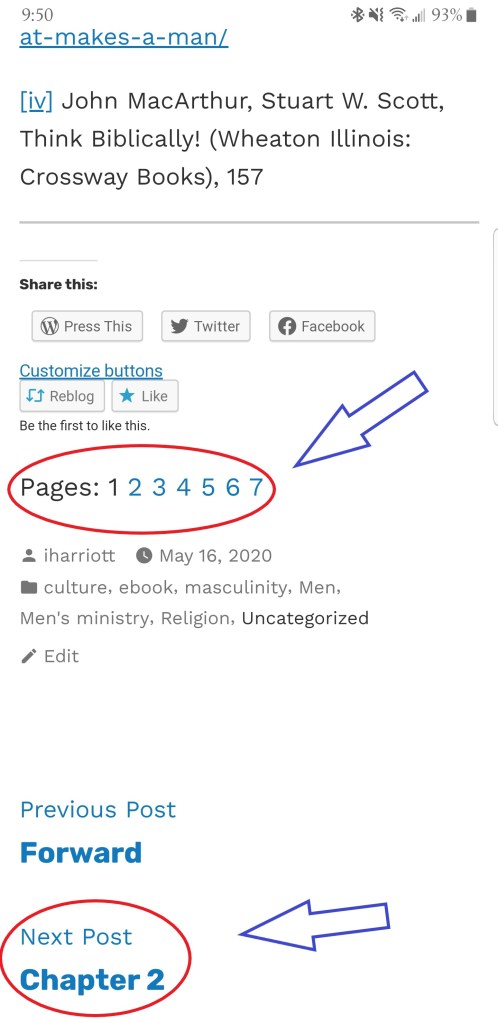
5. When you access chapter 1 or chapter 2…. scroll down to the bottom of the page and you will find the page numbers for that chapter. You can jump to each page of the chapter. (This will also help you to remember where you left off so that you can continue reading when you return.)
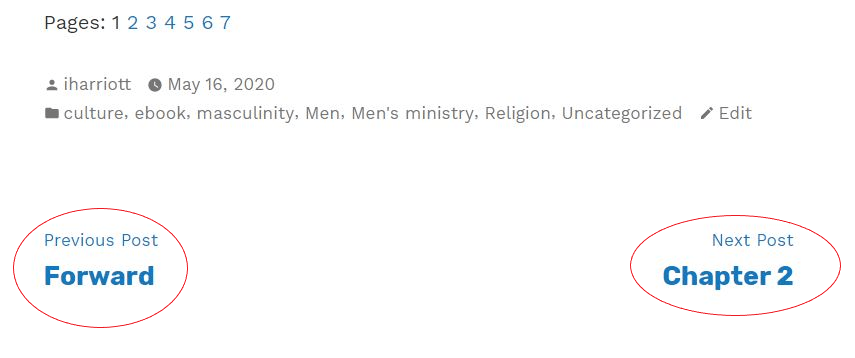
6. Click on the “Next post” to get to the next or previous chapter
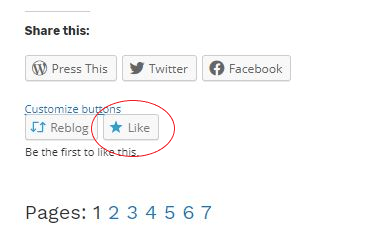
7. Please feel free to like and share pages. Your comments and feedback are always welcomed and needed!
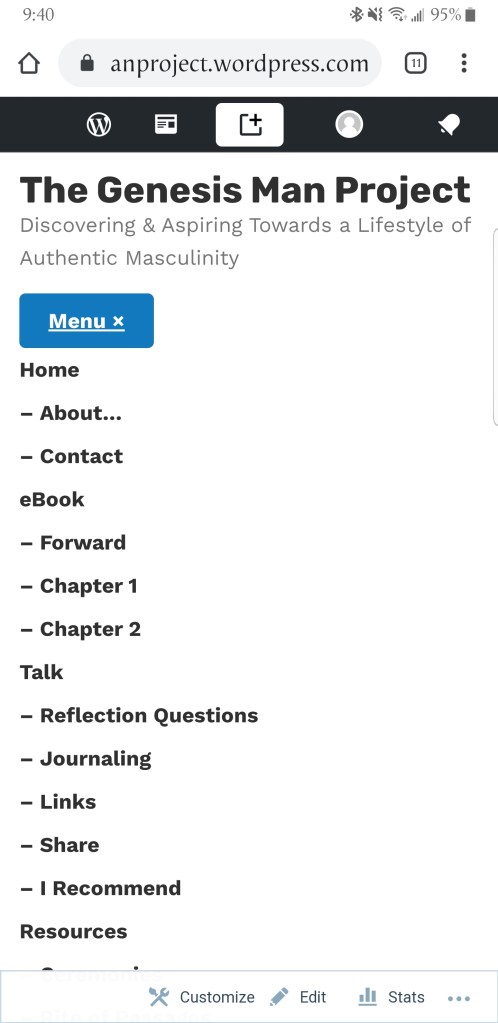
If you are using a cell phone…
Click on the blue “Menu” button and it will show you a complete list of all the posts and pages.
Navigating page numbers and chapters
Click on what you want to view. You can navigate through pages and chapters in a similar fashion as above.

 The Genesis Man Project